Floci: Any Cloud on Your Laptop
You do not need a real cloud account to find out your prefix logic is wrong.
Waiting on a shared account is a slow loop. So is paying for a stack you only needed for twenty minutes. So is watching an AI agent reach for a live bill.
Floci is a family of cloud emulators that run on your laptop.
An emulator talks like the real cloud APIs. It is not the real account.
Four binaries. Four ports. No cloud login. No start token. Floci’s site says the code is MIT and free.
| Binary | Cloud | Port |
|---|---|---|
floci |
AWS | 4566 |
floci-az |
Azure | 4577 |
floci-gcp |
GCP | 4588 |
floci-oci |
OCI | 4599 |
Those ports, and the service counts below, come from floci.io (checked 23 Sep 2026). They are Floci’s numbers, not ours.
flowchart LR
  You[Your app / CLI / Terraform] --> AWS["floci :4566"]
  You --> AZ["floci-az :4577"]
  You --> GCP["floci-gcp :4588"]
  You --> OCI["floci-oci :4599"]
That is the whole idea. The rest of this post is a laptop vs a remote cloud, four endpoints, a tiny S3 loop, and when you still pay the real cloud.
The problem is the remote cloud
A typical “just try it on the real cloud” afternoon looks like this:
- Wait for a login. Someone has to grant access.
- Create a bucket, a queue, a table.
- Burn a small bill on a forgotten worker.
- Still cannot copy the failure that only happens with your fixture data.
Local work wants seconds, not a console session.
CI wants a sealed box. The test should not write into the company account. CI is the pipeline that runs your tests.
IaC wants a dry-run that actually creates resources, not only a plan against a remote account you share. IaC means Infrastructure as Code. You write the resources in a file. Terraform is one of those files.
That is the job:
- faster loops
- tests that do not leak
- a sandbox you can wipe
- a place an AI agent can poke without a real bill
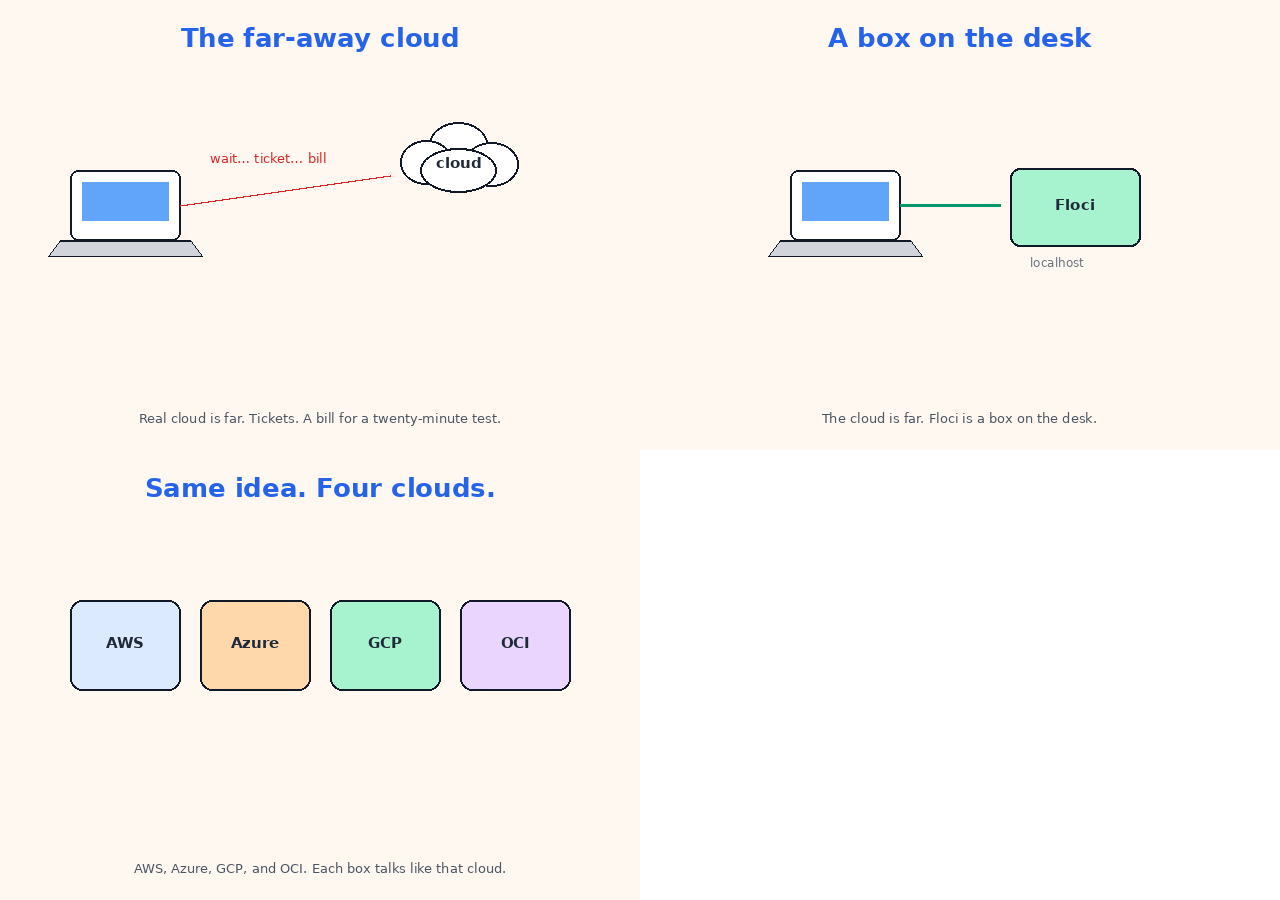
The cloud is remote. Floci is a local process that talks like the cloud.
Four endpoints
Pick the cloud you already use. Start that emulator. Talk to that port.
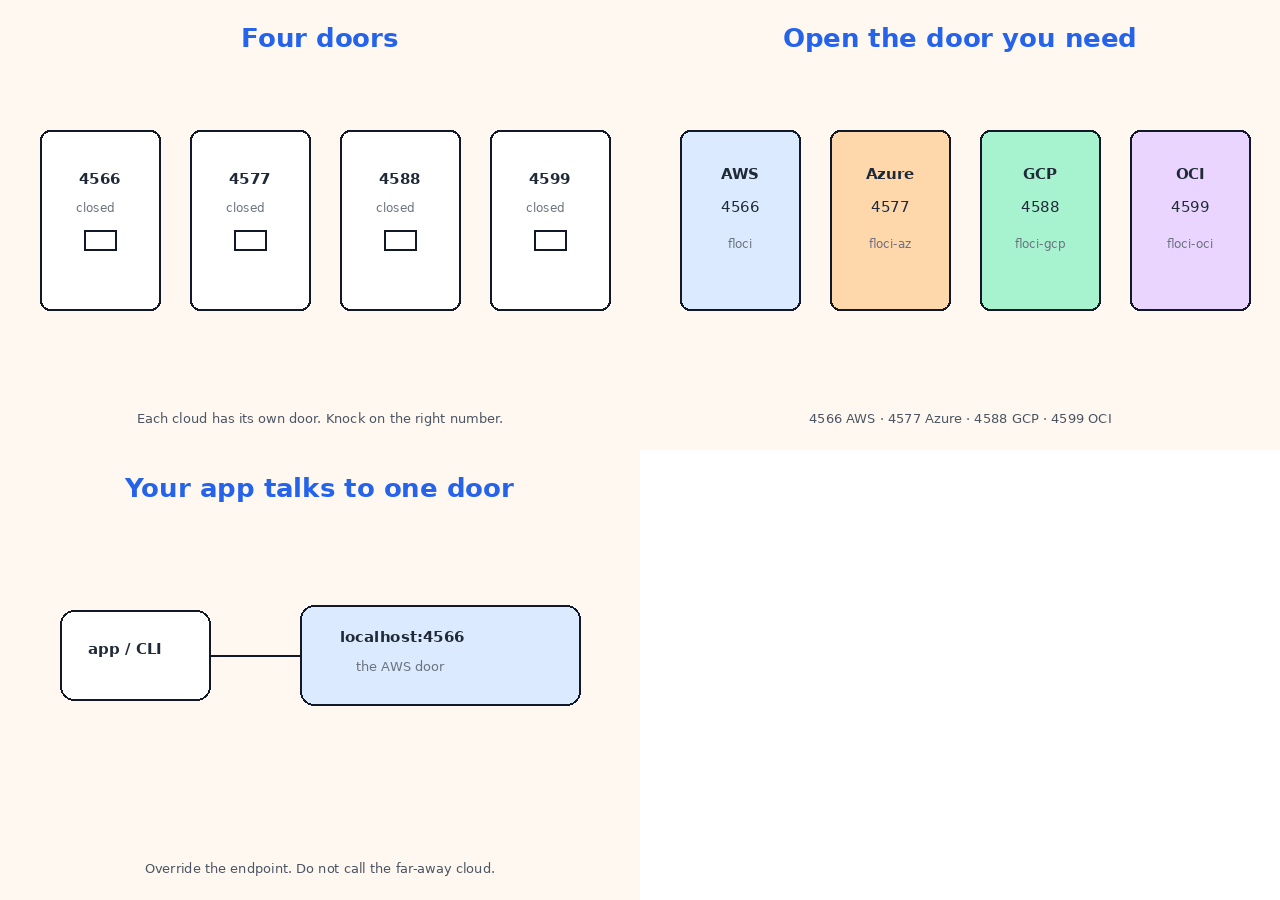
Floci’s homepage names these starting services. Each row is “what they list,” not a promise that every API call matches the real cloud.
| Port | Binary | Cloud | Floci’s service count | Services they name first |
|---|---|---|---|---|
| 4566 | floci |
AWS | ~119 | S3, SQS, Lambda, DynamoDB, RDS, EKS, … |
| 4577 | floci-az |
Azure | ~28 | Blob, Queue, Table, Functions, Key Vault, Event Hubs, Service Bus, … |
| 4588 | floci-gcp |
GCP | ~25 | GCS, Pub/Sub, Firestore, Cloud Run, Cloud SQL, GKE, … |
| 4599 | floci-oci |
OCI | ~8 | Object Storage, Identity, Queue, Streaming, KMS, Vault, Functions, … |
AWS names, because that is the loop below:
| Service | What it is |
|---|---|
| S3 | Object storage |
| SQS | Queue |
| Lambda | Function runtime |
| DynamoDB | Key-value / document store |
| RDS | Managed-shaped database (they say it uses real PostgreSQL / MySQL) |
| EKS | Kubernetes-in-AWS |
The other clouds have their own object store / queue / function names (Blob, GCS, Object Storage). Same idea. Different APIs.
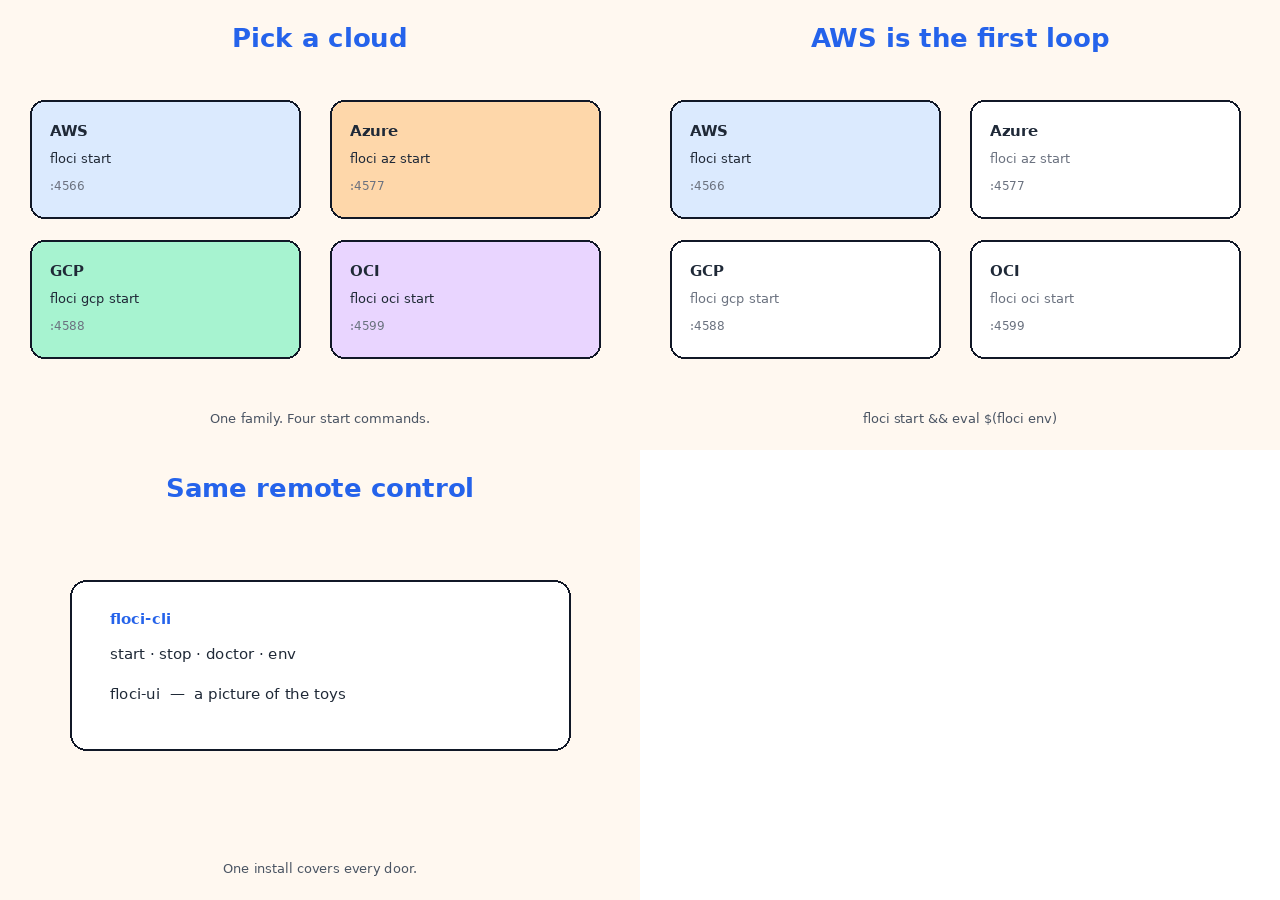
How you start it
From Floci’s install:
curl -fsSL https://floci.io/install.sh | sh
floci start && eval $(floci env)
floci start starts the AWS emulator on 4566. eval $(floci env) points your shell at that endpoint so aws does not call the real cloud.
Same family, other clouds:
floci az start      # Azure on 4577
floci gcp start     # GCP on 4588
floci oci start     # OCI on 4599
floci doctor        # is the emulator up?
floci-cli is the one remote control: start, stop, doctor, env. floci-ui is the local dashboard — browse buckets and queues without a cloud console.
Docker images, if you would rather pull a container:
| Image | Port |
|---|---|
floci/floci |
4566 |
floci/floci-az |
4577 |
floci/floci-gcp |
4588 |
floci/floci-oci |
4599 |
docker run --rm -p 4566:4566 \
  -v /var/run/docker.sock:/var/run/docker.sock \
  floci/floci:latest
The socket mount is for services that start extra containers (Lambda is the usual reason). Dummy keys such as test / test are fine. Floci’s site says you do not need a cloud account or a start token.
A tiny loop: bucket, put, list
Hands-on on the AWS endpoint. After floci start && eval $(floci env):
aws s3 mb s3://demo-inbox
echo "hello from the desk" > hello.txt
aws s3 cp hello.txt s3://demo-inbox/hello.txt
aws s3 ls s3://demo-inbox
Same shape in application code. One client constructor is enough:
import boto3

s3 = boto3.client("s3", endpoint_url="http://localhost:4566")
s3.create_bucket(Bucket="demo-inbox")
s3.put_object(Bucket="demo-inbox", Key="hello.txt", Body=b"ok")
print(s3.list_objects_v2(Bucket="demo-inbox")["Contents"])
If the CLI still talks to the real cloud, the endpoint was not set. Run eval $(floci env) again, or pass --endpoint-url http://localhost:4566.
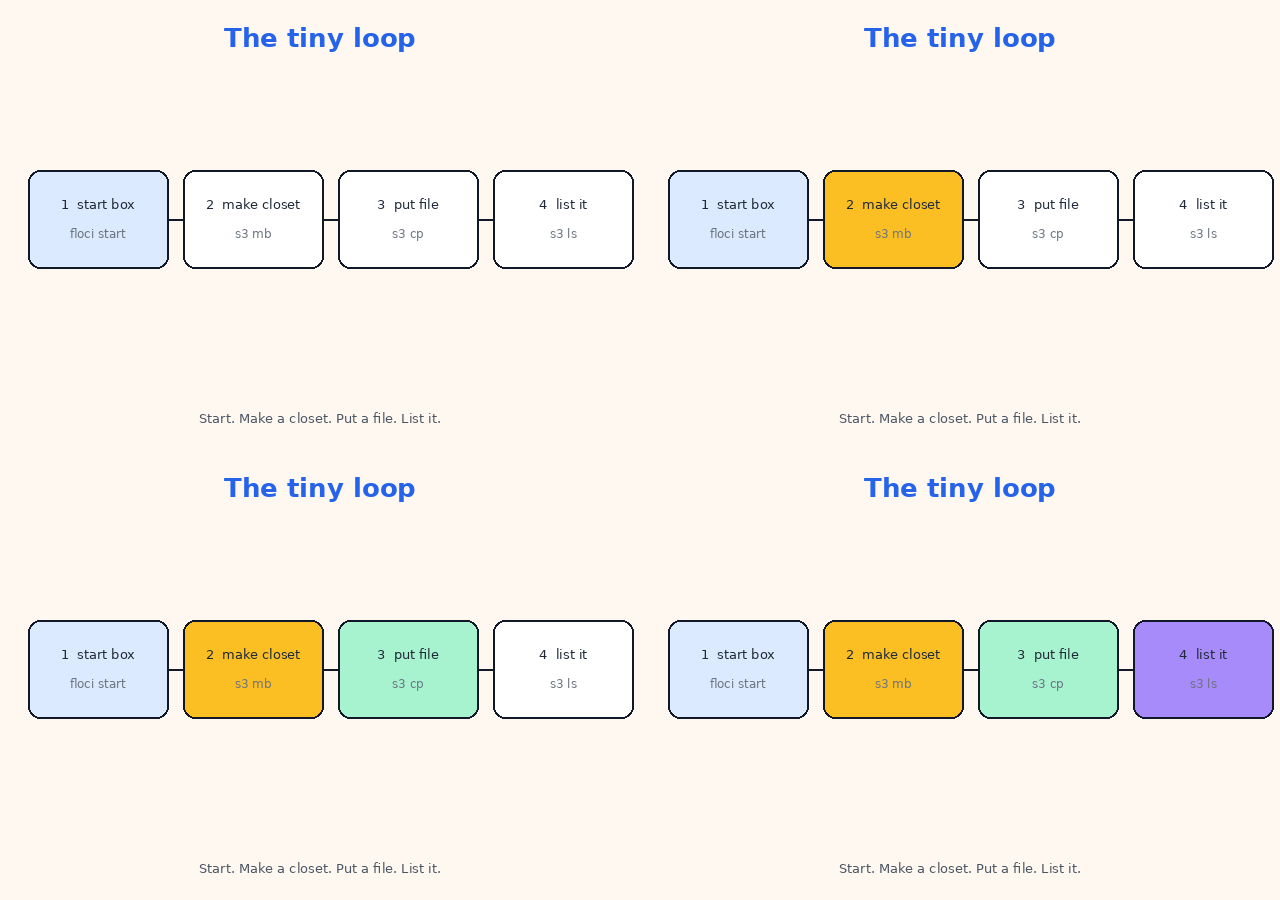
Point at 4566. Make a bucket. Put a file in. List it. No real account.
The other clouds have the same object-store loop — Blob on 4577, GCS on 4588, Object Storage on 4599. Confirm the current CLI flags on floci.io.
Real engines, not empty mocks
Floci’s site claims some services are real engines, not empty mocks:
- Lambda runs in real Docker containers
- RDS uses real PostgreSQL / MySQL
- cache services can run real Redis
The function runtime is a real container, not a stub that only returns 200.
They also publish a ~24 ms start and a small idle memory number. Those are Floci’s published claims. We did not sit with a stopwatch. Do not treat them as our benchmarks.
Coverage is still a list, not a magic “100% of the cloud.” If a test only passes on the local emulator, it is not done.
A sandbox an agent cannot bill
Coding agents write cloud calls faster than you can review them.
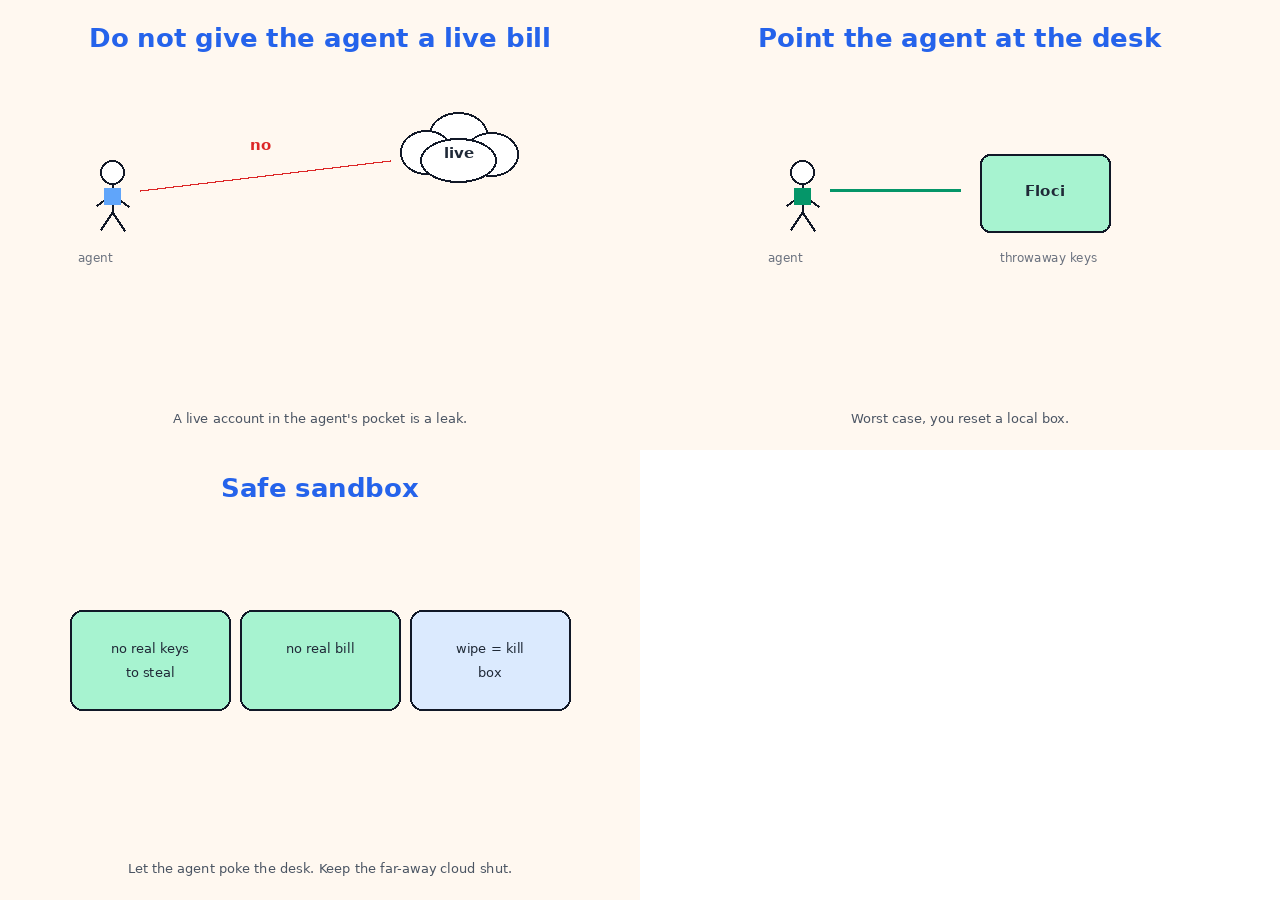
A live account in the agent’s pocket is a leak and a bill. Point the agent at Floci instead:
- throwaway keys
- no real secret to steal
- worst case, you reset a local process
export AWS_ENDPOINT_URL=http://localhost:4566
pytest tests/
Works with the SDKs, CLIs, and Terraform / OpenTofu modules you already have. No special agent plugin. Floci’s site is the source for that claim.
When the laptop is enough
Use the local emulator when the bug is in your API calls.
Use the real cloud when the bug is in the managed service, the network path, or an account wall.
| Use Floci when… | Use the real cloud when… |
|---|---|
| You want seconds, not tickets | You need the real network path |
| CI must stay sealed | You are testing a managed-service quirk |
terraform apply should mutate a sandbox |
You need a real account boundary |
| An agent should not hold live keys | You need the cloud’s real IAM / VPC story |
| A workshop should not open a bill | You are signing off production behaviour |
A working order that does not lie to you
- Install with the script on floci.io, or pull the Docker image for the cloud you use.
floci start && eval $(floci env)(orfloci az start/gcp/oci).floci doctoruntil the port answers.- Exercise one service your app already uses. S3 (or Blob / GCS) is enough.
- Point the SDK at that endpoint behind a config flag.
- Keep a thin real-cloud smoke test for the two calls that have bitten you before.
Official references (read these; do not copy them):
Terms used in this post
You do not need this table to follow the loop. It is only a quick lookup.
| Term | Meaning |
|---|---|
| Floci | Family of local cloud emulators |
| emulator | Process that talks like the real cloud APIs |
| endpoint / port | Where the client sends requests |
| AWS endpoint | localhost:4566 (floci) |
| Azure endpoint | localhost:4577 (floci-az) |
| GCP endpoint | localhost:4588 (floci-gcp) |
| OCI endpoint | localhost:4599 (floci-oci) |
floci-cli |
start, stop, doctor, env |
floci-ui |
Local dashboard |
| Docker / container | How some services (Lambda) actually run |
Dummy keys test / test |
Local credentials |
| hermetic CI | Tests that do not touch the company account |
| IaC | Infrastructure as code (Terraform / OpenTofu) |
| Object storage | S3 / Blob / GCS / Object Storage |
| Queue | SQS / Queue / Pub/Sub |
| Functions | Lambda / Functions |
| Key-value store | DynamoDB / Table / Firestore |
| Real engine vs empty mock | Their claim: some services run real Postgres, Redis, Docker |
In short
Four ports: 4566, 4577, 4588, 4599. Start the emulator. Point the CLI at that endpoint. Make a bucket, put a file, list it. Pay the real cloud when the behaviour you need is the cloud’s, not the emulator’s.
If this helped:

Discussion
Reactions and replies via GitHub Discussions. Sign in with GitHub to comment.